Airport public Wi-Fi: protecting bookings and payment accounts
Use official sites and secure connections, check network details and protect account access when opening travel bookings on airport Wi-Fi.
Content Writer Specialist for Rumbía’s English blog, focused on practical travel guidance, airline policy explainers, baggage and ticketing questions, and reader-friendly destination planning.
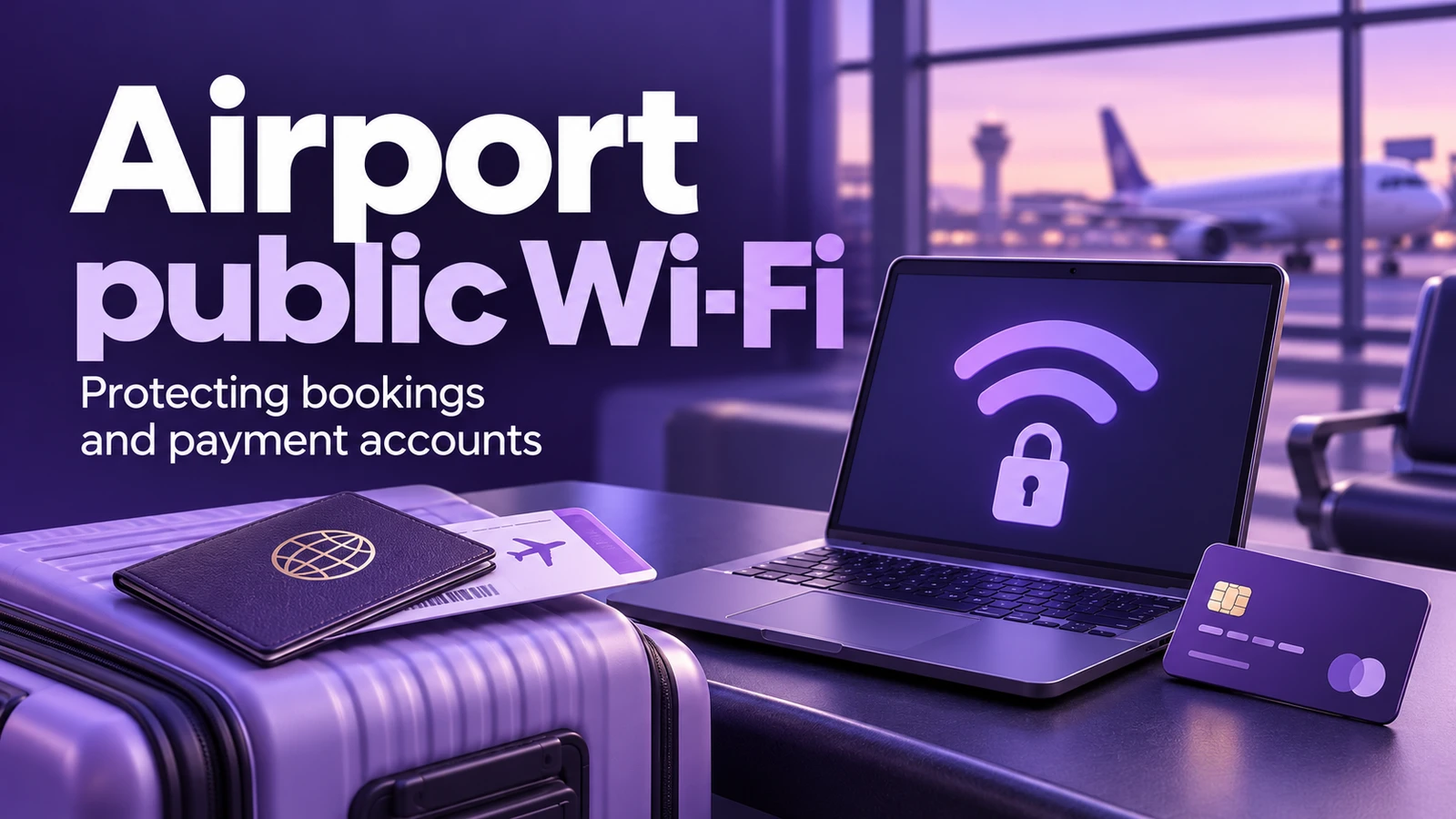
When using airport Wi-Fi, check the network and the destination you are opening. Encryption protects information on its way to a website; it does not prove that the site or payment request is genuine. A convincing booking message can still direct you to the wrong recipient.
The aim is to complete the travel task with a connection and account you can verify. That might mean opening the airline's known app, using the airport's published Wi-Fi instructions or switching to mobile data while you investigate an unexpected request.
What public Wi-Fi changes—and what it does not
The FTC's public Wi-Fi guidance explains that widespread website encryption has made public-network use generally safer than it was in the early internet. HTTPS is useful protection, but scammers can encrypt their own websites too.
For a travel payment, ask two questions: is the connection encrypted, and is this the provider you intended to pay? A browser's security indicator helps with the first. It cannot answer the second merely because the page contains your hotel's logo.
Do not bypass a browser security warning because boarding is approaching. If you cannot verify the connection or site, pause that task and use a known contact route. Saving a few minutes is not worth sending booking credentials to an address you have not checked.
Join the network using the airport's own instructions
Find the network name in the airport's official information or ask staff. Similar names are easy to create, so choosing the strongest signal or most plausible label is a poor substitute for checking. Read what the connection page is asking you to do.
A request for an email address to connect is different from a demand for your airline password, full payment-card details or an unexpected software installation. If a step seems unrelated to obtaining access, stop and clarify it. Do not enter travel-account credentials into a network login page just because you are trying to open a boarding pass.
After the journey, review saved network settings if your device automatically reconnects. Keep the travel device under your control, including when someone offers help with connectivity. You can ask staff for the official instructions without handing over unlocked accounts.
Open the booking from a known starting point
Use a trusted installed app, a saved official address or the contact details from the original confirmation. Read the website address before signing in. A display name in a message, a familiar logo or a copied reservation reference is not enough to authenticate a new payment page.
Imagine a hypothetical text arriving while you wait at the gate: “Your hotel will be canceled in 15 minutes unless you verify payment.” Instead of following the text's link, open the original booking independently and contact the property through that known channel. Ask whether it requested another payment and what amount, if any, is actually due.
The FTC's phishing guidance recommends contacting a company through a number or website you already know is genuine. It also explains the value of account protection such as multifactor authentication and current device software.
If the real issue is the guest name, use our hotel reservation-name guide to prepare the question for the property. A message about a name correction does not establish that an unrelated payment link is legitimate.
Keep verification codes and documents out of casual sharing
Use a unique strong password for important travel and email accounts, and enable additional authentication where available. Do not relay a one-time login code to someone who unexpectedly contacts you claiming to fix a reservation.
Treat booking references and boarding documents as personal information. If you need assistance, share the minimum through the provider's secure channel. Avoid posting full boarding passes, passport images or card details in public replies to an airline account.
Before asking a companion to help, decide which task they actually need to perform. Sending a screenshot of a departure time is different from forwarding every document and credential in the reservation. Keep access limited to what is necessary.
Prepare for a connection that fails
Save permitted offline copies of your itinerary, hotel address and arrival instructions before travel. Make sure the files are accessible when the device is offline. Do not rely on an email attachment that has never downloaded.
For an urgent flight issue, identify the airline's genuine app or service desk. Our Delta flight-change guide helps with the reservation process when relevant. Use that process through the actual carrier, rather than a phone number supplied by an unsolicited reply.
Keep enough battery and a realistic alternative connection plan. Mobile data can help you avoid an unverified hotspot, but it does not turn a fraudulent website into a safe destination. The recipient check remains necessary on any network.
If you already entered information somewhere suspicious
Identify what you disclosed: a booking reference, password, card details or downloaded file require different responses. Contact the genuine provider or card issuer promptly through a verified channel. Preserve the suspicious message and relevant transaction details without continuing the conversation through its links.
For exposed account credentials, secure the affected account using the provider's official recovery process and review access. If you downloaded something unexpected, follow trusted device-security guidance rather than another unsolicited “support” offer. The FTC phishing resource links to response steps based on what happened.
Frequently asked questions
Is every airport Wi-Fi network unsafe?
No. The FTC explains that widespread encryption has improved public-network safety. Verify the actual network, destination and request instead of assuming every connection is either dangerous or guaranteed safe.
Does HTTPS prove a payment page belongs to my hotel?
No. It indicates an encrypted connection to that site. A scammer can operate an encrypted site too, so confirm the recipient independently.
Will switching to mobile data fix a suspicious link?
No. Changing the network does not change who controls the destination. Open the original provider through a known address or app.
Can I send a verification code to a person helping with my booking?
Do not share an unexpected login code with someone who contacted you. Use the provider's genuine process and check exactly what the code authorizes.
What should I save before departure?
Your itinerary, permitted boarding documents, accommodation address, access instructions and verified contact routes. Keep them protected and test offline access.
Official FTC guidance reviewed October 15, 2026. This guide does not certify a particular network, website or payment request.
About William Smith
Content Writer Specialist for Rumbía’s English blog, focused on practical travel guidance, airline policy explainers, baggage and ticketing questions, and reader-friendly destination planning.
LinkedIn profile

Interested in travel updates?
Leave your email if you would like to hear from Rumbía about new guides and articles.
Your request is emailed to Rumbía. This form does not start an automatic newsletter subscription.